Solidworks PDM alternatives
In this guide, we explain why most CAD workflows fail, explore the best alternatives, from user-friendly tools like Anchorpoint to the classic power of free SVN.

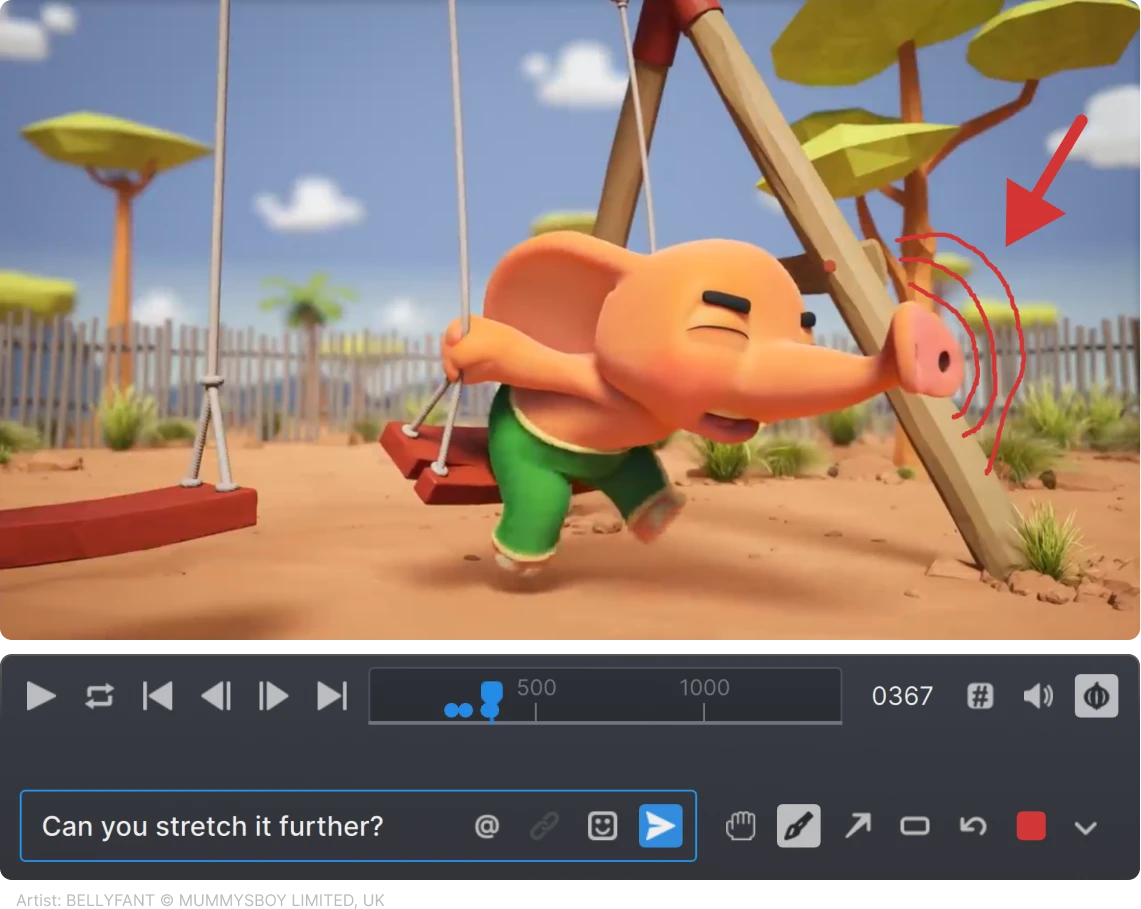
Full visibility into your production with integrated visual review and approval tools

Anchorpoint heavily increases efficiency for studios like ours. All the relevant information and files are in one place, so you don’t need to manage multiple tools.
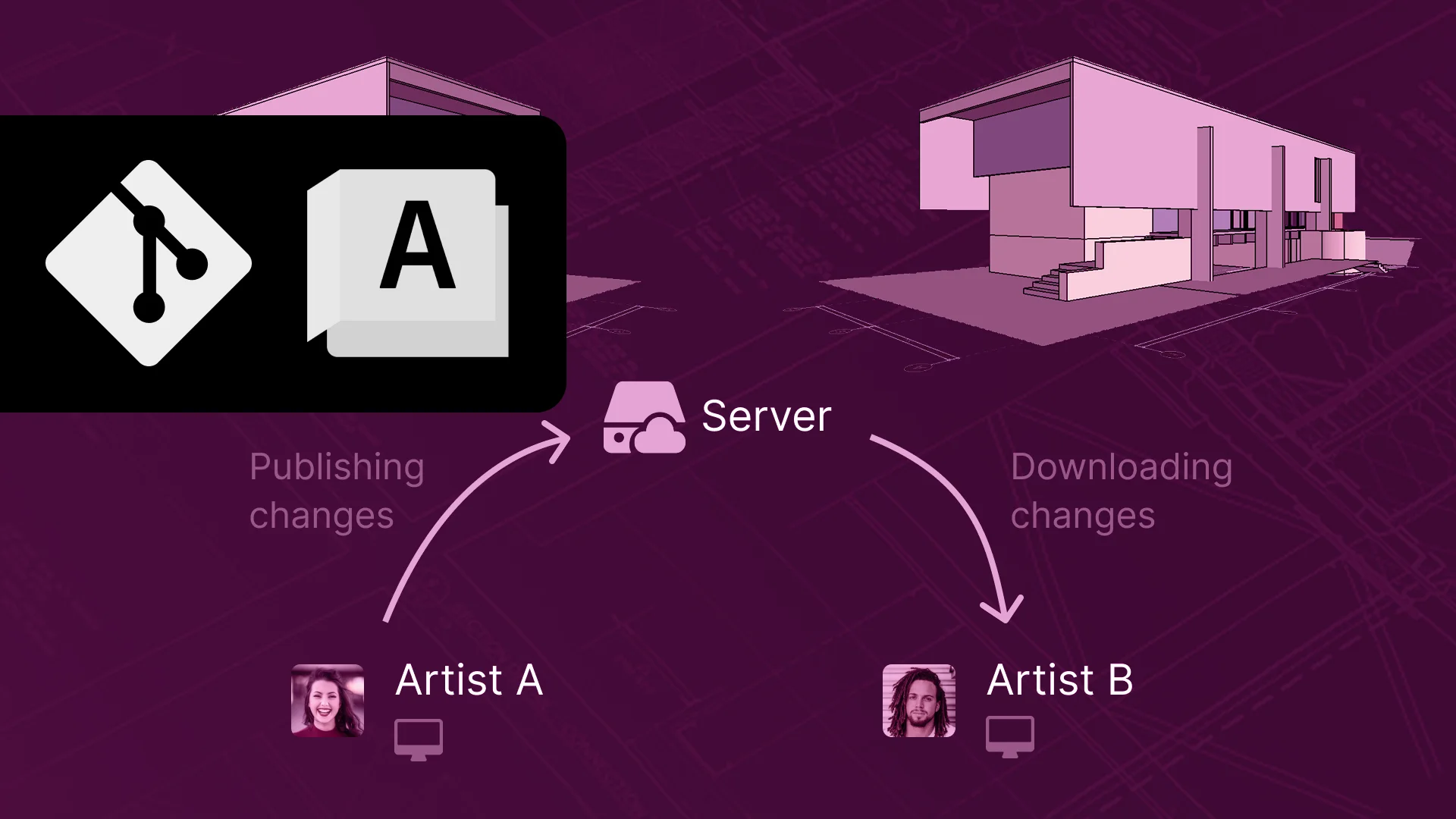
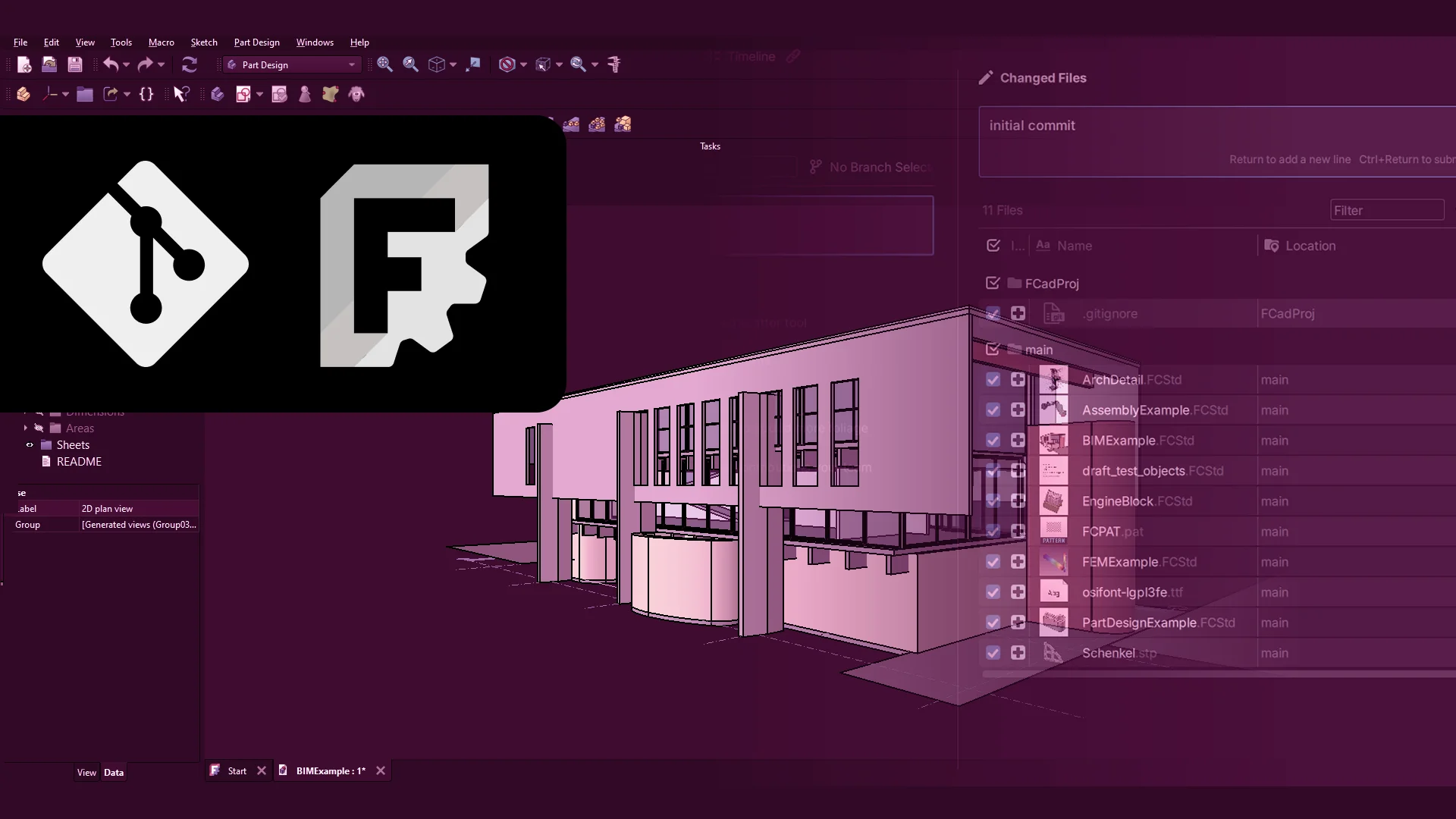
Technically, yes. Anchorpoint uses Git under the hood and extends it with its own file locking and asset management features like tagging, comments, etc.
Anchorpoint can be used as a Git client, but it's more than that. Anchorpoint manages your team members and adds features like instant file locking that go beyond the normal functionality of Git.
Another part of Anchorpoint is also a pipeline tool for your art assets that also goes beyond the normal functionality of Git.
Not at all. We focus on non-technical users who want to do their work with as little interaction with the production pipeline as possible. Anchorpoint handles the technical "Git" parts in the background, providing you with a simple interface for file distribution and asset reviews.
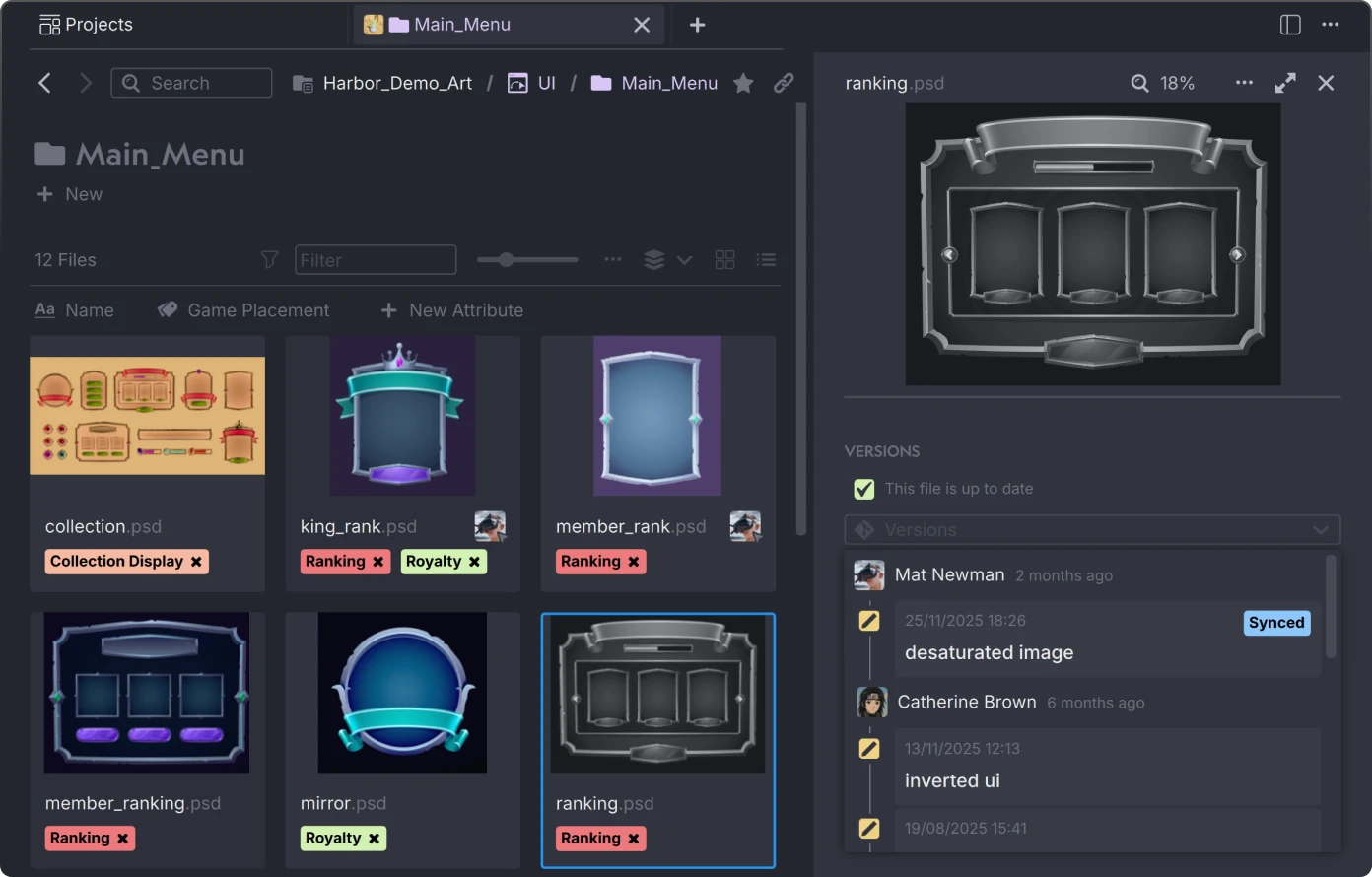
Most DAMs are built for marketers to store finished JPEGs or PDFs. Anchorpoint is a version control solution built for creators. It manages the "raw" working files (FBX, Spine, PSD) and integrates them directly into the development pipeline.
When you are offline, lock information cannot be transmitted. Anchorpoint stores the locking state locally and synchronizes it once the connection is restored. If another team member edited a file that was locked while you were offline, you may need to resolve merge conflicts.
Anchorpoint does not create a database file alongside the original files. It shares the metadata through a cloud service that runs in the background. This ensures that your team receives real-time updates and notifications when, for example, you add a comment with an @mention.